

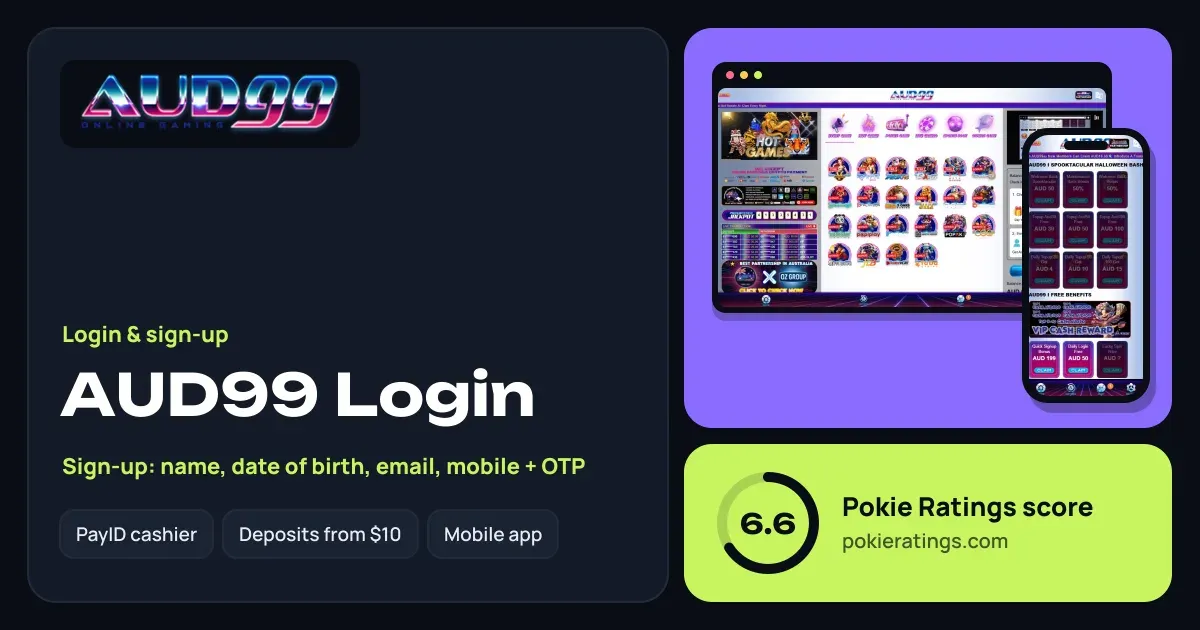
AUD99 sign in, step by step
Short answer
Go to the official AUD99 site (aud99.net) or open the Android APK, tap Login and enter the details you registered with plus your password. No account yet? Tap Register, fill in your name, date of birth, email and mobile, then confirm with the OTP sent to your phone.
Open aud99.net or the app
Bookmark the real address so you never land on a copycat site.
Tap Login
You will find it beside Register, under the balance panel.
Enter your login details
Use the mobile number or email from sign-up and your password.
You are in
Your AUD wallet, promotions and History tab are ready to use.
How to register at AUD99
AUD99 asks for a little more than a phone number: name, date of birth, email and mobile, with a one-time passcode (OTP) to confirm. Fill these in carefully, because they need to match your ID when you make your first withdrawal.
Tap Register
On the website or inside the Android APK.
Add your personal details
Full name and date of birth exactly as they appear on your licence or passport.
Add email and mobile
Use an email you check and an Australian mobile that can receive texts.
Confirm the OTP
Type in the passcode from the SMS and choose a strong password.
With the account live, you can deposit from $10 by PayID, bank transfer, USDT or EPICPAY; the 100% welcome match needs $30 or more. The AUD99 bonus page shows what its 7x turnover means in bets for your style of play.
Locked out? Resetting your AUD99 password
- Tap the forgotten password link on the login screen.
- Enter the mobile number or email on your account.
- Use the OTP or reset link you receive to set a new password.
- Still stuck? Open Chat from the bottom bar and support can confirm your identity and help you back in.
| What you see | Likely fix |
|---|---|
| OTP never arrives | Check the number, wait a minute, request again |
| Login keeps failing | Reset the password instead of retrying |
| App shows an old version | Download the latest APK from aud99.net |
| Balance looks wrong | Check History for pending bets or a running rollover |
Installing the AUD99 Android APK
AUD99 offers an Android APK straight from its official site. Tap the download link, let Android allow installs from your browser when it asks, then open the app and sign in. Your wallet and rewards carry over because it is the same account. iPhone users simply use the mobile site, which works in Safari without any download.
Only install APK files from the operator's own site. Our casino apps guide explains how to spot a genuine file and what to check before you tap Install.
ID verification before your first payout
Logging in never needs documents, but cashing out does. AUD99 runs an ID check before the first withdrawal. Upload a photo ID and proof of your bank account early, and make sure the names match your registration. After that, repeat PayID or bank withdrawals are often paid within hours after approval, with a $50 minimum.
For how this compares with other sites, see the PayID casinos rankings or the full AUD99 review. Neighbours Class777 and Black Pokies are worth a look too.
18+ only. Set limits before you play, and visit our responsible gambling page or call 1800 858 858 if gambling stops being fun. All rated casinos are on our home page.
Questions people ask
Why does AUD99 ask for my date of birth at sign-up?
Your date of birth confirms you are 18 or over, and it is checked against your ID when you request your first withdrawal. Enter it exactly as it appears on your licence or passport to avoid delays later.
Can I use the same AUD99 login on the app and the website?
Yes. One account works everywhere, so the details you use on aud99.net also open the Android APK. Your AUD wallet, nightly rebates and any bonus progress are shared between both, so you can start a session on the laptop and finish it on your phone.
What if I no longer have the mobile number on my AUD99 account?
Contact support through Chat. Because AUD99 also holds your email and date of birth, the team can confirm who you are and update the number, after which OTP codes will go to your new phone.
Can I log in to AUD99 on an iPhone?
Yes, through the mobile website in Safari or Chrome. The APK is for Android only, but the browser version gives iPhone players the same lobby, sportsbook, wallet and promotions. Add it to your home screen for a one-tap shortcut.
How long does AUD99 verification take?
It depends on how clear your documents are. Uploading a sharp photo ID and bank proof that match your registered name is the quickest route. Once approved, you do not repeat it, and later withdrawals move much faster.