

How to log in to UFO9
Short answer
Open ufo9.asia, tap Login and sign in with the mobile number and password you registered with. New players register with their full name, mobile number and a password, then confirm with an SMS code. Forgotten the password? Live Chat can help you reset it once you confirm your details.
Open the site
Go to ufo9.asia in your browser or use our link to land on the official address.
Tap Login
Use the Login button on the home page. If you've landed on the registration form, tap Login Here under it.
Enter your mobile and password
Type your mobile number and the 6–20 character password you chose at sign-up.
Play or top up
Your AUD balance shows once you're in. Deposits by PayID are credited in 10–20 seconds.
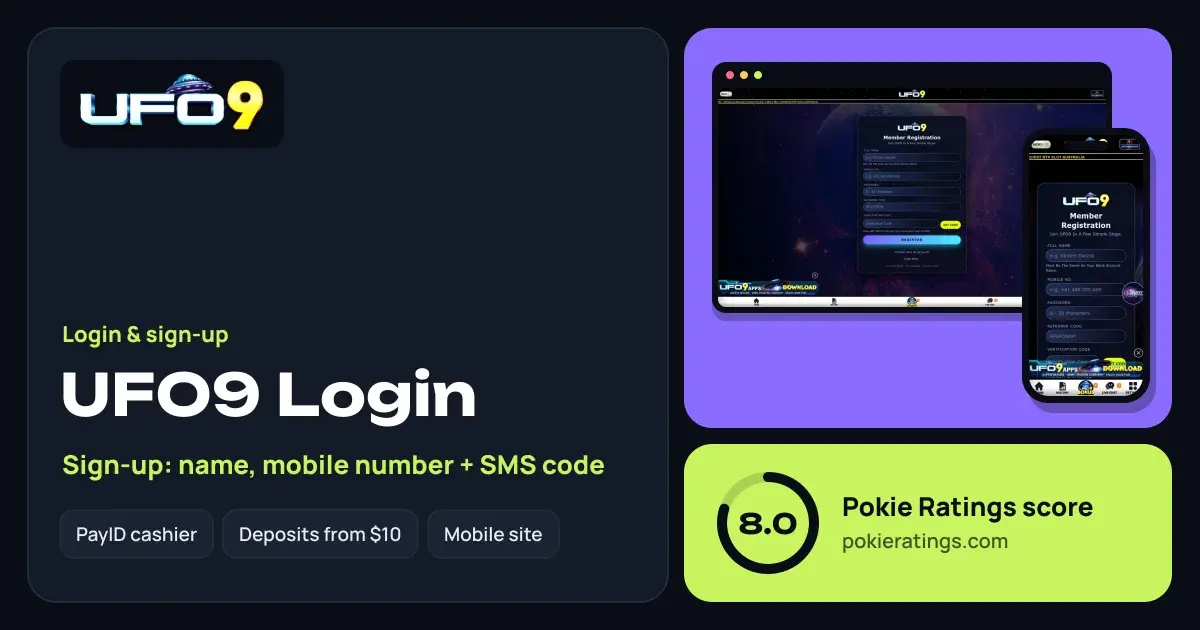
Registering: name, mobile and SMS code
UFO9 registration is a single short form. Each field matters for a different reason, so here's what goes where:
| Field | What to enter |
|---|---|
| Full name | Exactly as it appears on your bank account, so payouts match |
| Mobile no | Your Australian mobile; it becomes your login |
| Password | 6–20 characters; pick one you don't use anywhere else |
| Referrer code | If a friend referred you, their code goes here |
| Verification code | Tap Get Code and enter the code sent by SMS |
Tap Register and the account is live. Your $10 free chips come with sign-up, and the 70% welcome bonus is unlocked by a first deposit of $50 or more; the details are on our UFO9 bonus page.
SMS code not arriving?
- Check the number. One wrong digit sends the code to someone else. Re-enter it carefully.
- Wait a minute. Texts can lag at busy times. Avoid hammering Get Code, as repeat requests can be slowed down.
- Check signal and blocking. Switch flight mode off and on, and make sure your phone isn't filtering texts from unknown senders.
- Ask Live Chat. If the code still doesn't come, support can check whether it was sent.
Forgot your password or locked out
Because UFO9 logs you in with your mobile number, getting back in mostly comes down to proving the number is yours. Open Live Chat from the bottom bar, which works before you sign in, and give them the mobile number and name on the account. Once you're back in, set a new password you haven't used elsewhere.
Changed phone numbers? Ask support to update your account before you lose the old SIM, since that number is both your login and where your codes go.
Logging in on your phone
UFO9 runs in your phone's browser, with Home, History, Bonus, Live Chat and Settings along the bottom. Add it to your home screen for one-tap access, and let the browser save your password only on your own locked phone. For APK installs versus browser play, see our casino apps guide.
After you sign in
Withdrawals go out by instant transfer in 2–4 minutes from a $50 minimum, which is why PayID is worth setting up; our PayID casinos guide shows how. The full rundown on games and banking is in our UFO9 review. If you like the mobile-plus-SMS style of sign-up, Kangaroo88 works the same way, and BSB007 is UFO9's other neighbour in our ratings.
18+ only. Set limits before you play, and lean on BetStop or Gambling Help Online (1800 858 858) if you need to. See responsible gambling.
Questions people ask
What do I use to log in to UFO9?
Your mobile number and the password you created at registration. The mobile number works as your login, so if you change phone numbers, ask Live Chat to update your account before you lose access to the old one.
Why does UFO9 ask for my name as it is on my bank account?
Withdrawals go by instant transfer to your bank account or PayID, and the casino matches the name on your profile to the name on the bank. Registering with the exact same name is what keeps payouts at 2–4 minutes instead of waiting on a manual check.
Can I register at UFO9 without a mobile number?
No. UFO9 confirms every account with an SMS code sent to your mobile, and that number is also how you log in. Use a number you'll keep, since your account is tied to it.
Is it safe to save my UFO9 password on my phone?
On your own phone with a screen lock, saving it in the browser's password manager is fine. On a shared device, don't save it, and log out when you're done. Never share your SMS code with anyone, including people who claim to be support.
Where are my free chips after I log in?
The $10 free chips come with a new account. After your first login, check your balance or the Bonus tab in the bottom bar. If they aren't showing, Live Chat can look into the account for you.